Start with the journeys that matter
You do not need to save an entire city to travel confidently without a connection. Start with the journeys you are most likely to make: arrival point to accommodation, accommodation to the stadium, stadium back to your accommodation, and any onward journey the next day. If you plan to meet other supporters, add the meeting place too. This gives you a useful backup without burying the important details in dozens of screenshots.
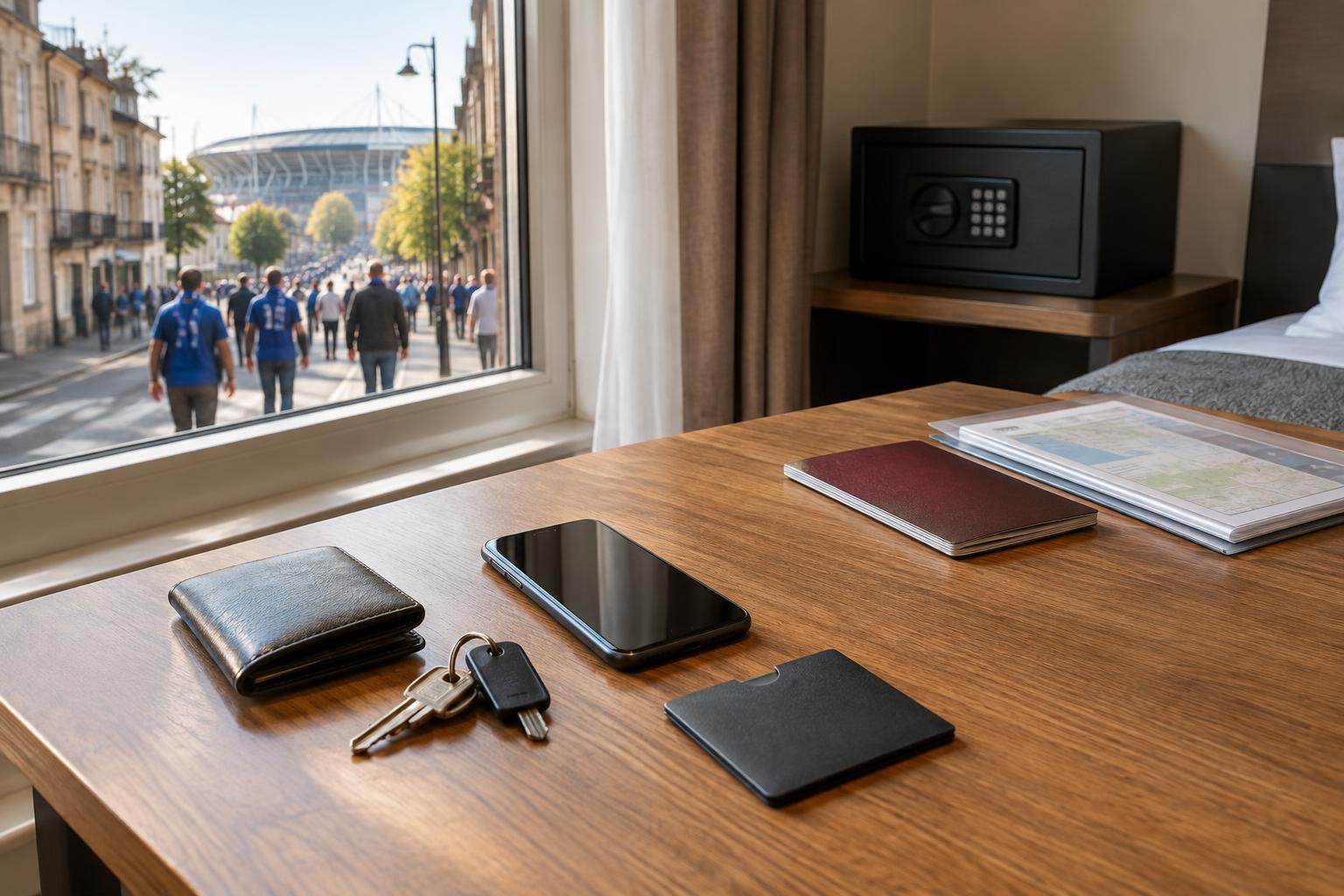
For each journey, note the destination’s full name and street address. A stadium name alone may not be enough: entrances can be spread across a large site, and a meeting point described as “near the ground” can be hard to find in a crowd. Save the address of your accommodation and, if relevant, its check-in instructions. Keep these details together in an offline note so you can read or show them without opening an email.
Download maps, then test them
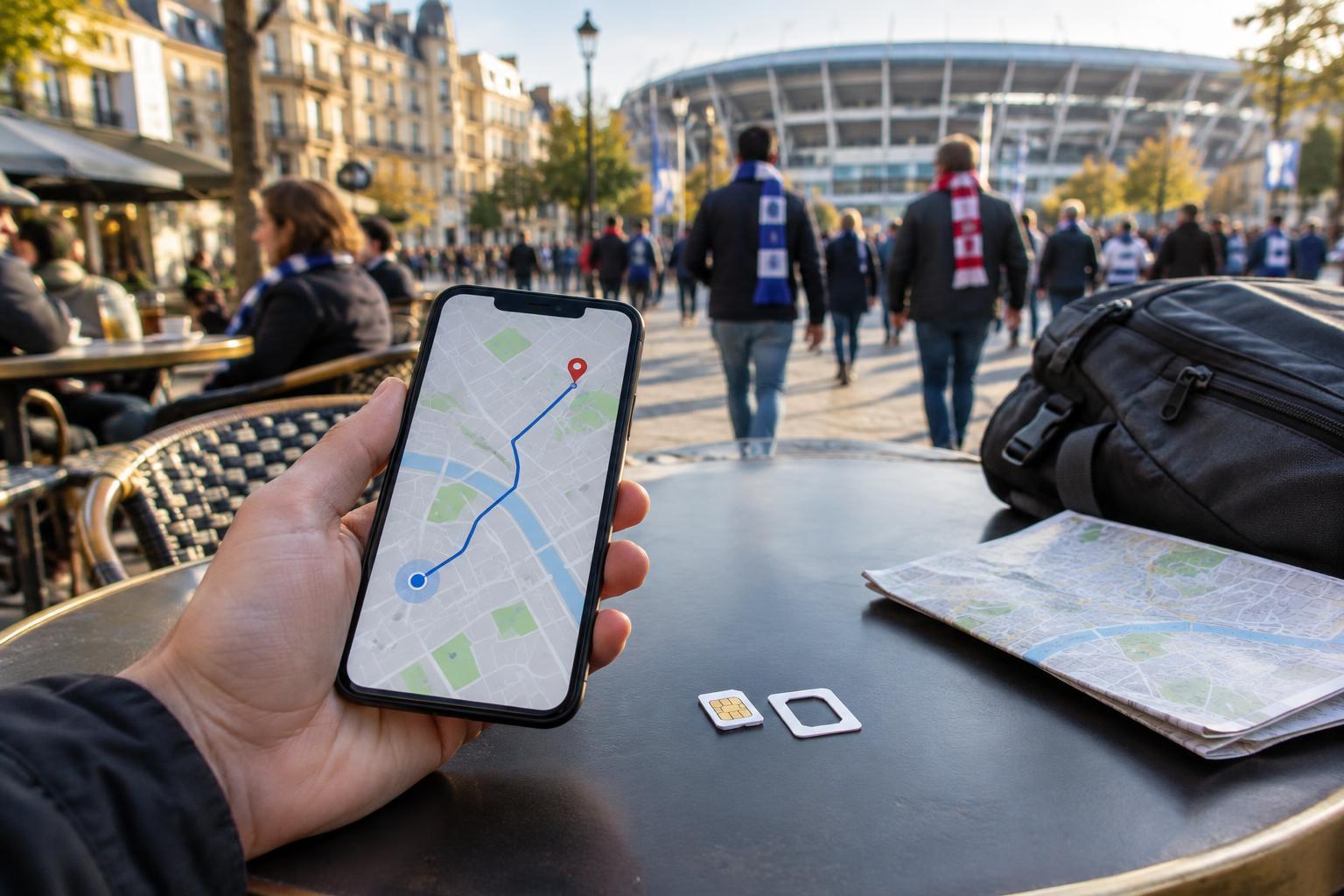
Before departure, use your preferred map app to download an area that covers your accommodation, the stadium and the routes between them. Include the airport or station if it falls within a practical download area. Download over Wi-Fi, and check that the map remains stored on your phone; some apps remove old downloads or require an update after a period of time.
An offline map is a reference, not a guarantee of full navigation. Depending on the app and location, public transport directions, live disruptions, venue details or walking routes may be limited without data. Test your setup by putting your phone in airplane mode and looking up the places you saved. If something essential disappears, take a screenshot or write it in your offline note. Pin your accommodation and intended stadium entrance as well as the stadium itself, where those details are available.
Keep transport directions in plain language
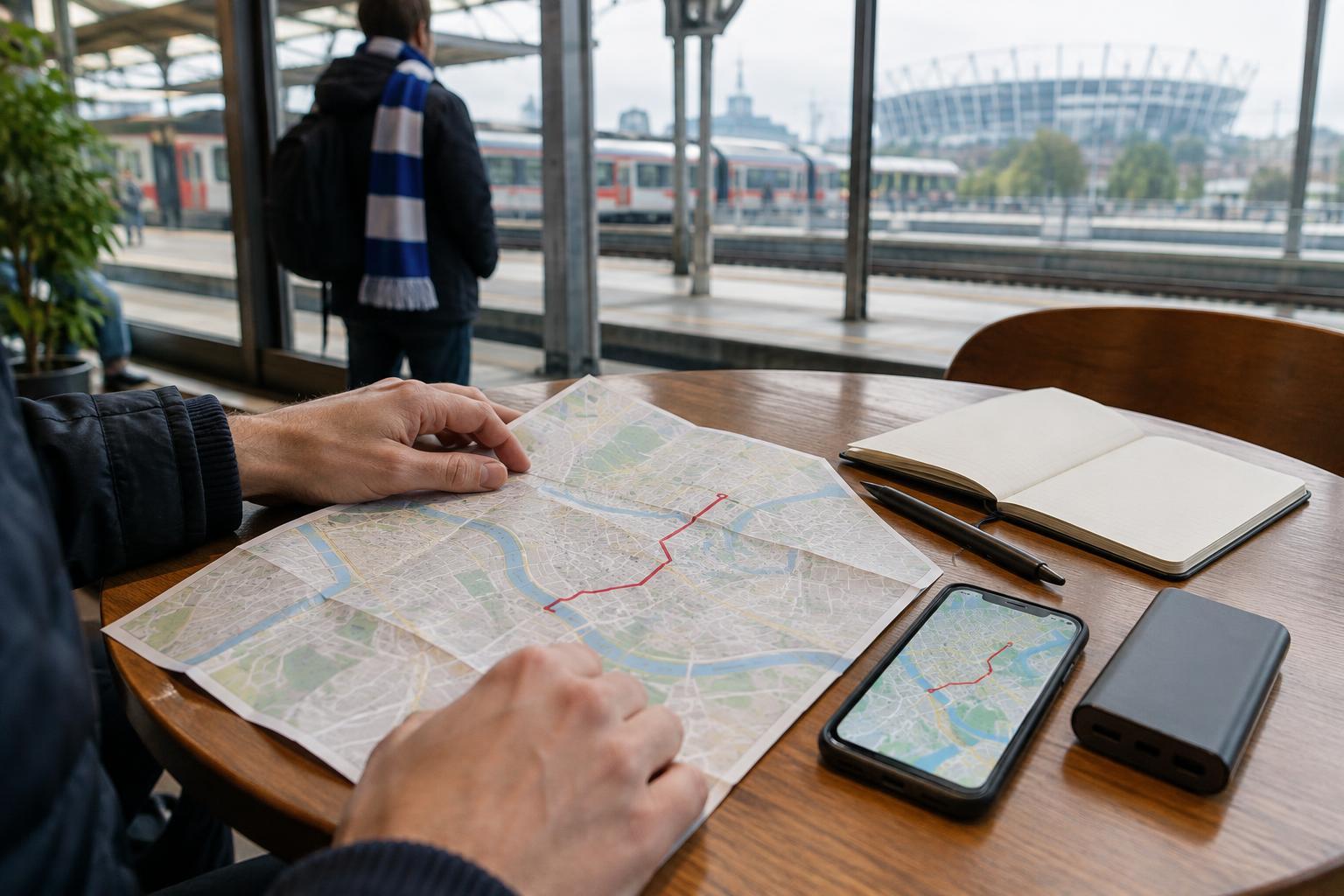
A saved route is more helpful when you can understand it at a glance. Record the station or stop where you board, the line or service, the direction of travel, any change, and the stop where you get off. Add a simple final instruction such as “walk toward the west entrance” if you have confirmed it from your own trip information. Screenshots of route results are useful, but a short written version is easier to scan when you are tired or moving with a crowd.
Prepare an alternative for the return trip. Streets near a stadium may be busy, and the stop you used on the way in may not be the easiest one to reach afterward. Save a walking route to a second station or a clear landmark, and note the address of your accommodation in case you need to ask for help. Treat all saved directions as a starting point: signs and instructions on the day take priority over an old screenshot.
Make your matchday details accessible
Put the essentials where you can reach them quickly: a note available offline, a clearly named folder of screenshots, or both. Useful items include your accommodation address, stadium location, entrance information provided with your booking, meeting-point details and the route home. If you rely on a digital ticket or travel booking, check its access requirements in advance. A screenshot may help you find reference details, but it may not replace an original ticket in an app or wallet.
Share the key addresses and meeting plan with your travel companions before you separate. Agree on a specific landmark and a time to regroup if messages fail, rather than assuming everyone will have mobile data. Keep a small amount of written information separate from your phone—on a card in your bag, for example—so a flat battery does not also erase the address you need.
Review the kit before you set off
The evening before travel, open each saved item and remove anything that has changed. Check that your map covers the right city, your accommodation address matches your booking, and your route begins at the station or terminal you will actually use. Charge your phone and any power bank you plan to carry; a downloaded map is only useful while you can turn the screen on.
Finally, leave room to adapt. Transport services, access arrangements and crowd routes can differ from what you expected. Your offline kit should help you get oriented and ask a clear question when needed, not lock you into one plan. With the important places and directions already saved, you can spend less time searching for a signal and more time enjoying the trip.